
Connect WhatsApp
Connect a WhatsApp Business number through Cloud API to handle conversations in dialogs and assign them to an agent. The connection uses a business account and phone number, not a personal WhatsApp account.
Connection access
The platform is marked In development: only Senler AI service administrators can connect it. Project administrator permissions alone do not grant this access.
Connect a number
Select WhatsApp on the add-channel page.
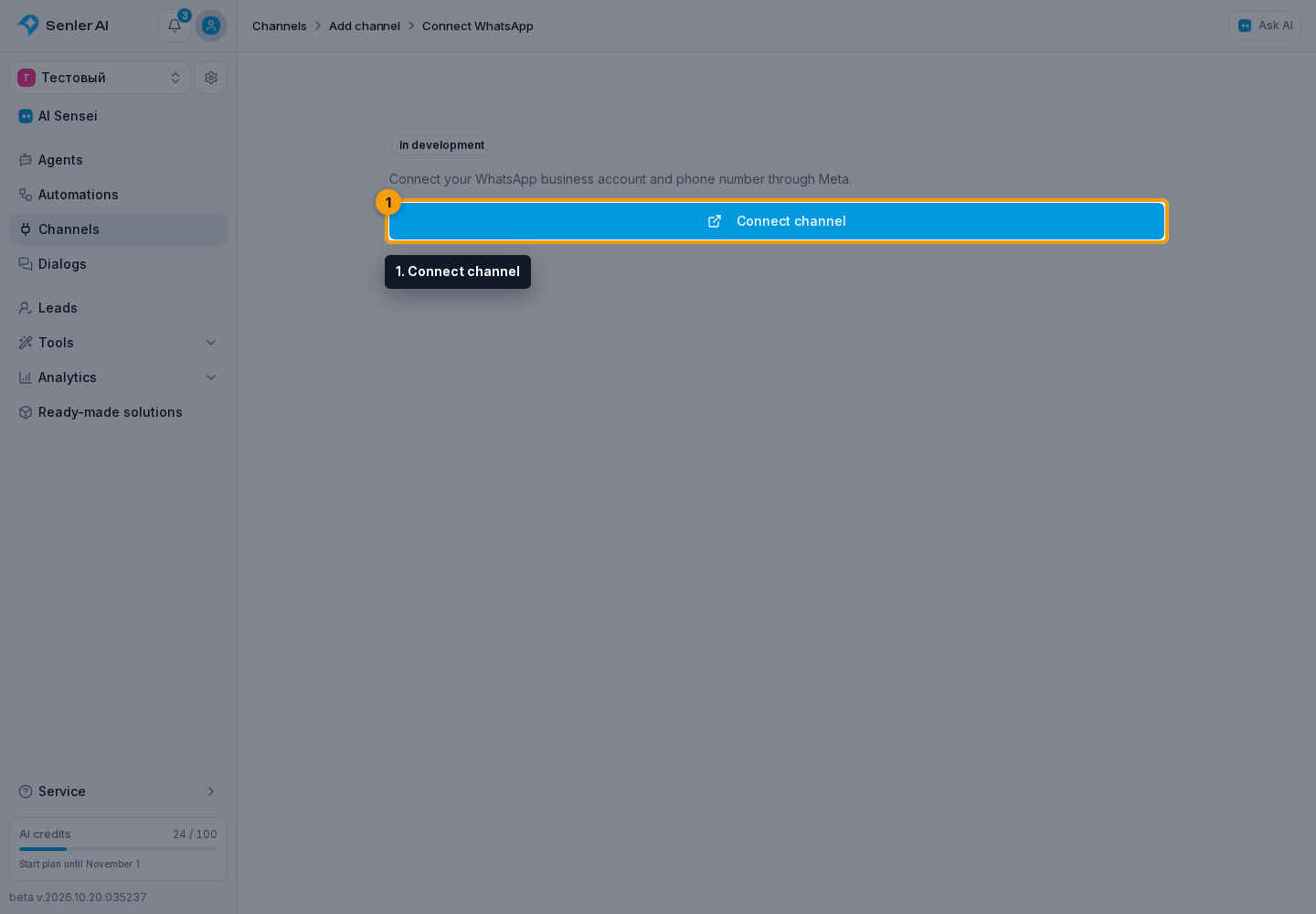
- Click Connect channel.
- To register a new number, enter a six-digit PIN. Leave the PIN empty if the number is already registered with Cloud API.
- Click Continue.
- In the Meta window, select the business account and phone number, then grant the requested permissions.
- Check the connected number in the channel settings that open.
- Message this number and open the resulting dialog.
One number cannot be connected again as another channel. Add a separate channel for a different number.
Ordinary replies and templates
Senler sends ordinary replies within 24 hours of the customer's latest incoming message or action-button click in the conversation. Following a link button does not open the reply window.
To continue a conversation after the reply window ends, send an approved WhatsApp template from an existing dialog. This is a separate action, not an ordinary text message. The cabinet does not let you manually create a dialog for an arbitrary phone number and send it a template. Bulk broadcasts are unavailable for WhatsApp channels.
Attachments and buttons
- JPEG and PNG images: up to 5 MB.
- AAC, MP4, MP3, AMR, and OGG audio; MP4 and 3GP video: up to 16 MB.
- TXT, PDF, Word, Excel, and PowerPoint documents: up to 100 MB.
An ordinary message can use one link button or up to three action buttons, with labels up to 20 characters. Link and action buttons cannot be mixed in one message. See the button guide for setup details.
Restore the connection
In channel settings, click Reconnect. Authorize the same number in the same WhatsApp business account: dialog history and settings are preserved. Create a separate channel for a different number or business account.