
HTML Block
An HTML block is suitable for a custom information section, such as a schedule, offer comparison or unusual grid. Markup and styling are entered separately. To subscribe visitors, use a standard subscription button; for chat, use the Widget block.
Add Markup
Add HTML in the block editor. Click the HTML block or its pencil icon to open the block settings.
- Enter markup in the HTML field. For example:
<section class="course-info">
  <h2>Practical course</h2>
  <p>Three sessions focused on your tasks.</p>
</section>- Enter styling in the CSS for this block field:
:scope .course-info {
  padding: 24px;
  border: 1px solid currentColor;
  border-radius: 8px;
}
These styles apply only inside this HTML block. For shared styling of multiple blocks or the entire page, use CSS settings.
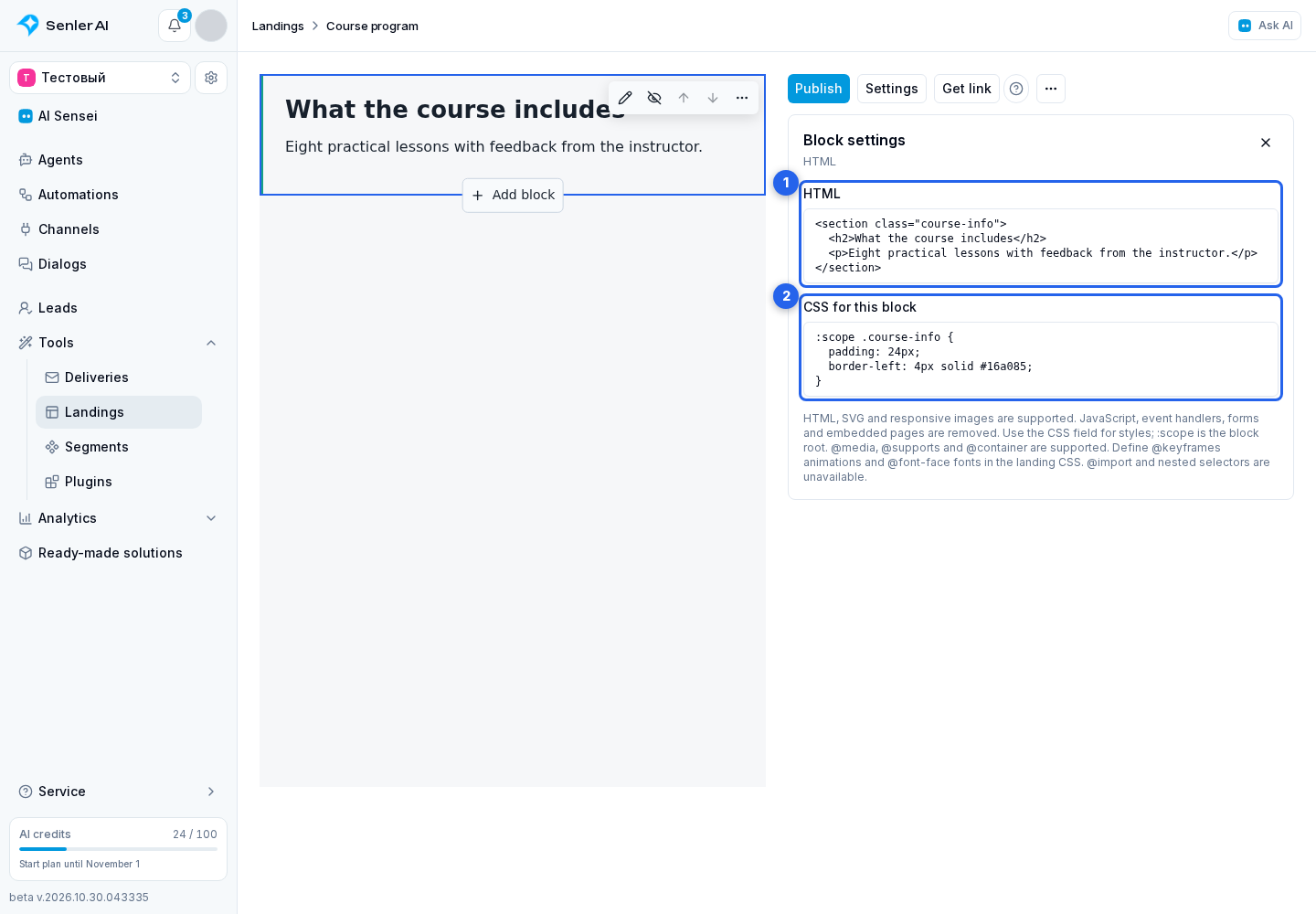
- Wait for the draft to save, check it on wide and narrow screens and publish the landing page. An agent subscription page is published with its agent.
Supported Content
HTML, SVG and responsive images are supported. JavaScript, event handlers such as onclick, forms, input controls and embedded iframe pages are removed when rendering. This block is for content and styling, not for installing third-party applications.
Enter styles in the CSS field: <style> and the HTML style attribute are not applied. Markup is limited to 100,000 characters and block CSS to 50,000 characters. See CSS settings for supported rules and their application order.