
Member Joined / Left Step
This step starts a For dialogs automation when a person joins or leaves a selected community, group, channel or server. For example, you can add a newcomer to a segment or start a welcome scenario.
Joining on a platform is not the same as joining a Senler segment and does not grant permission to send private messages.
Configure the Event
In the step catalog, choose Member joined / left and configure the added step:
- In the Event field, choose Joined or Left.
- In the Channel field, choose a VK, Telegram, MAX or Discord connection.
- For Telegram and MAX, select a group or channel; for Discord, select a server. VK uses the community of the selected connection, so no separate group selection is needed.
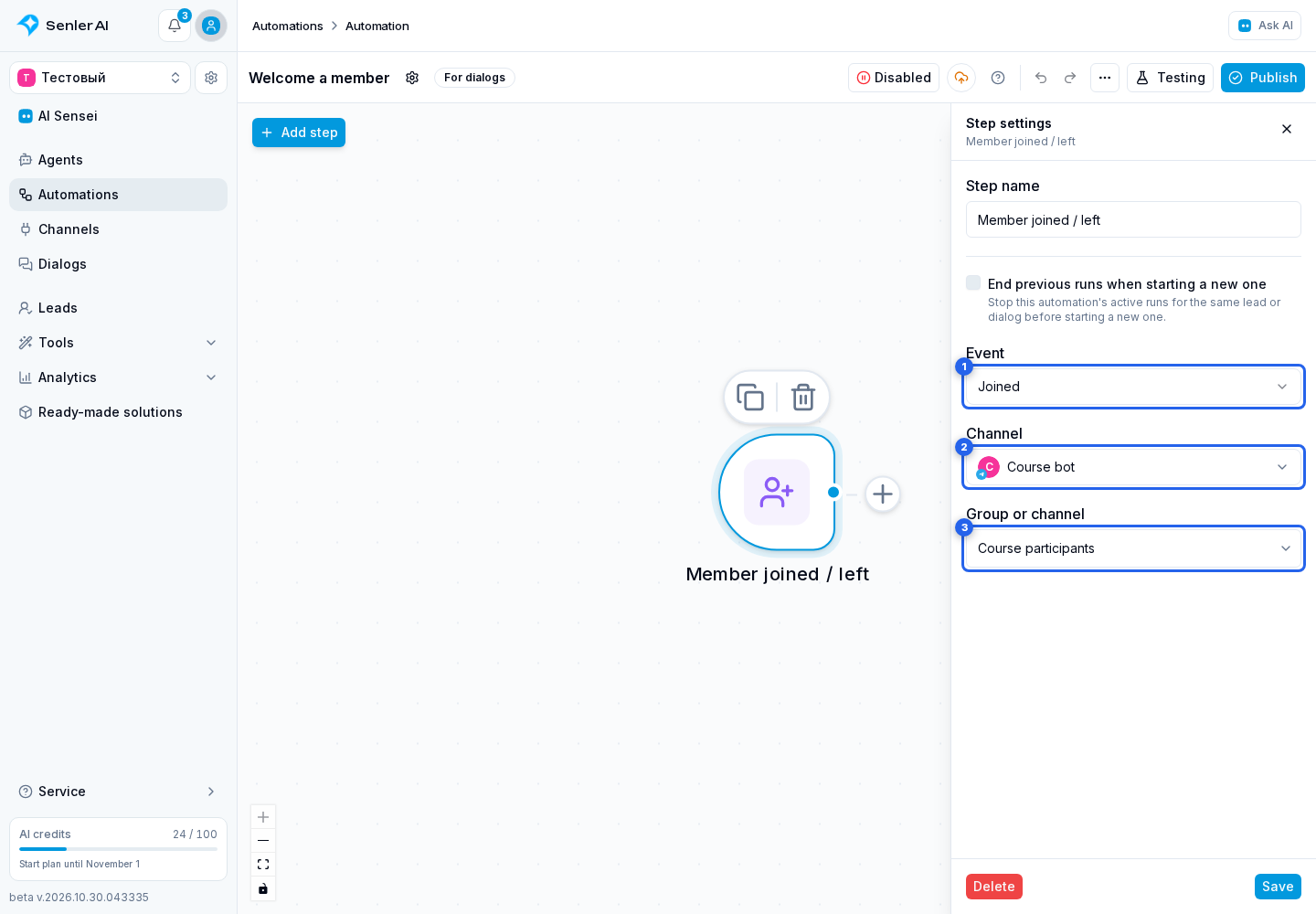
Configure repeat runs, save the step and connect its continuation. If you select a different channel, select the group or server again.
Check Event Reception
Before publication, Senler checks the selected connection and its ability to receive events:
- VK: enable community join and leave events.
- Telegram and MAX: the bot must be an administrator of the selected group or channel, and the connection must receive membership updates.
- Discord: enable Server Members Intent in the bot settings in Discord Developer Portal and add the bot to the required server.
If the check could not finish because the platform was unavailable, that does not prove permissions are missing. Retry once the connection recovers. A message saying Discord event reception is not configured on Senler's side requires contacting support.
The step reacts to incoming events; publication does not iterate over all existing members. Test with a new join or leave after enabling the scenario.
Where to Send the Welcome Message
In the following Message step, choose To a private conversation if the reply is for the member rather than the whole group. Current dialog may send the message to the group where the event occurred.
Joining or leaving does not itself allow the bot to message the person privately. Delivery depends on private messaging availability and platform restrictions.