
“Post reached its Stars target” step
“Post reached its Stars target” starts a background automation when a Telegram post receives the specified number of Stars from paid reactions. For example, notify your team or start preparing promised content.
Select the post and threshold
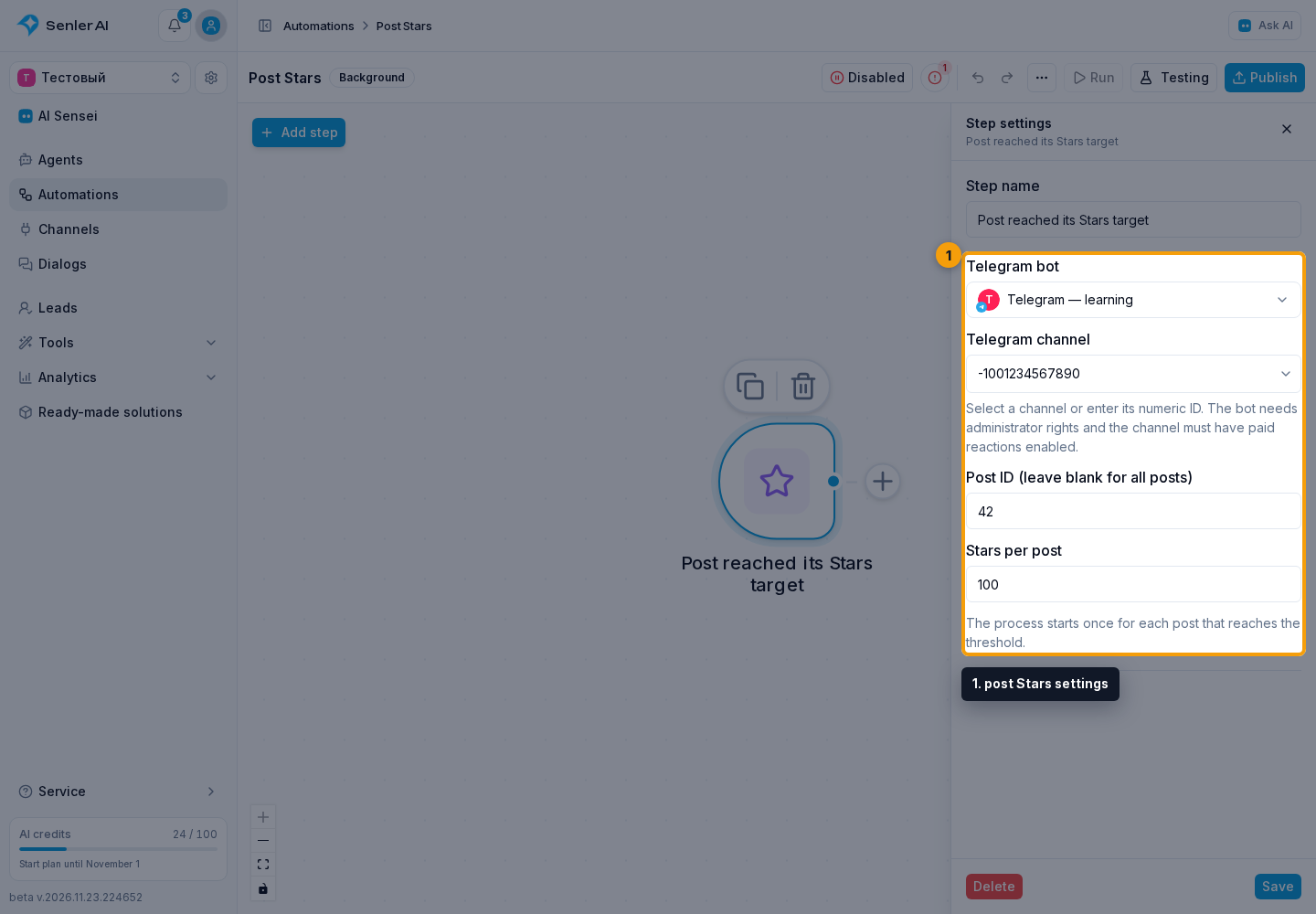
Create a “Background” automation, add the trigger from the step catalog, and select it on the canvas. In the post Stars settings:
- Select a connected Telegram bot.
- Under “Telegram channel”, select a channel or enter its numeric ID with a minus sign. The bot needs administrator rights, and paid reactions must be enabled in the channel.
- Enter a positive integer “Post ID” or leave it blank to check every post in the selected channel.
- Enter a positive integer under “Stars per post”, such as
100. - Click “Save”, connect the output to actions, then publish and enable the automation.
The threshold is checked separately for each post. Leaving the ID blank does not combine Stars from different posts.
How the automation continues
This step triggers once for each matching post. A repeated event or republishing the same automation does not trigger this step again for an already processed post. Reaching or exceeding the threshold is sufficient: an event with 120 Stars meets a threshold of 100.
The run.post object contains chat_id for the channel, message_id for the post, and stars for the count in the received event. For example, insert {{run.post.message_id}} into a message to your team.
A background process has no current lead or private dialog. If the next step sends a message, select its recipient. To start on an invoice or VK Donut payment, use “Payment received” instead.